Introduction to Editing and Workflow
Friday 4th September 2026 9 am til 12 noon
Saturday 12th February 2027 9 am til 12 noon
Thursday 1st April 2027 6 pm til 9pm
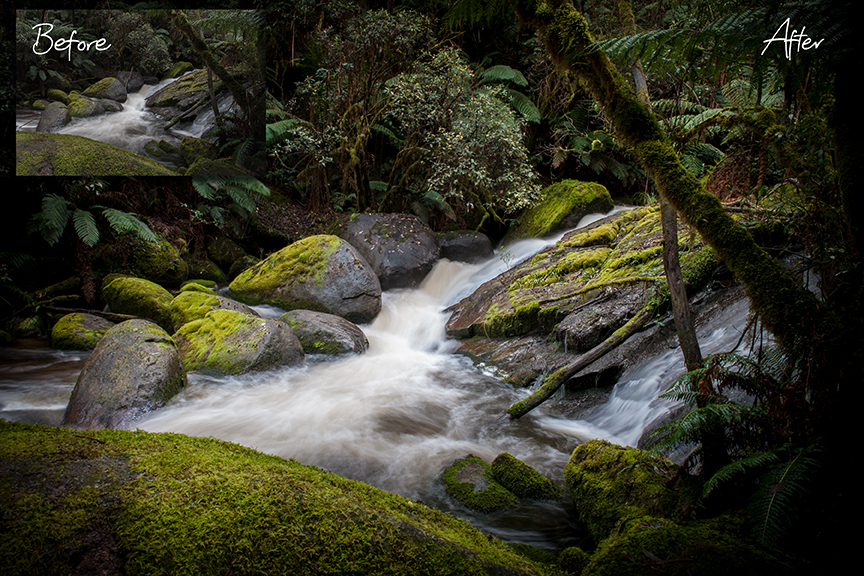
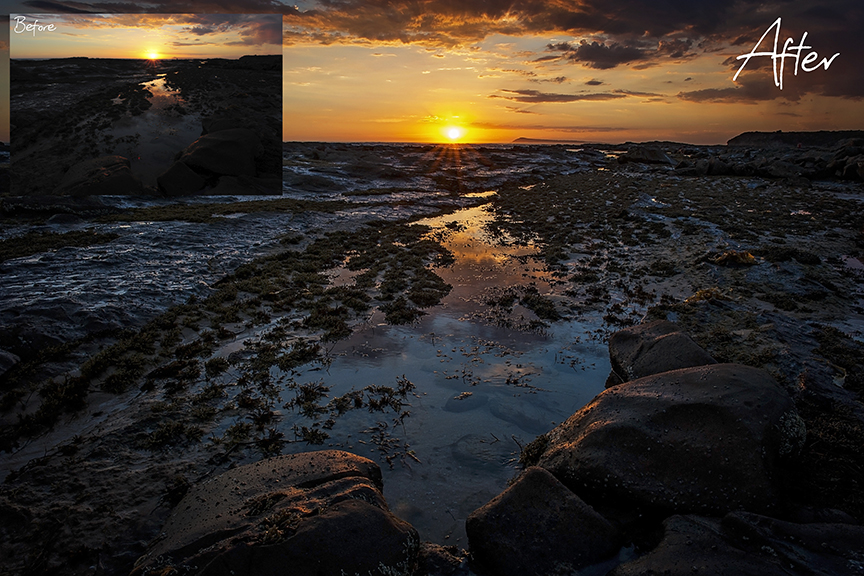
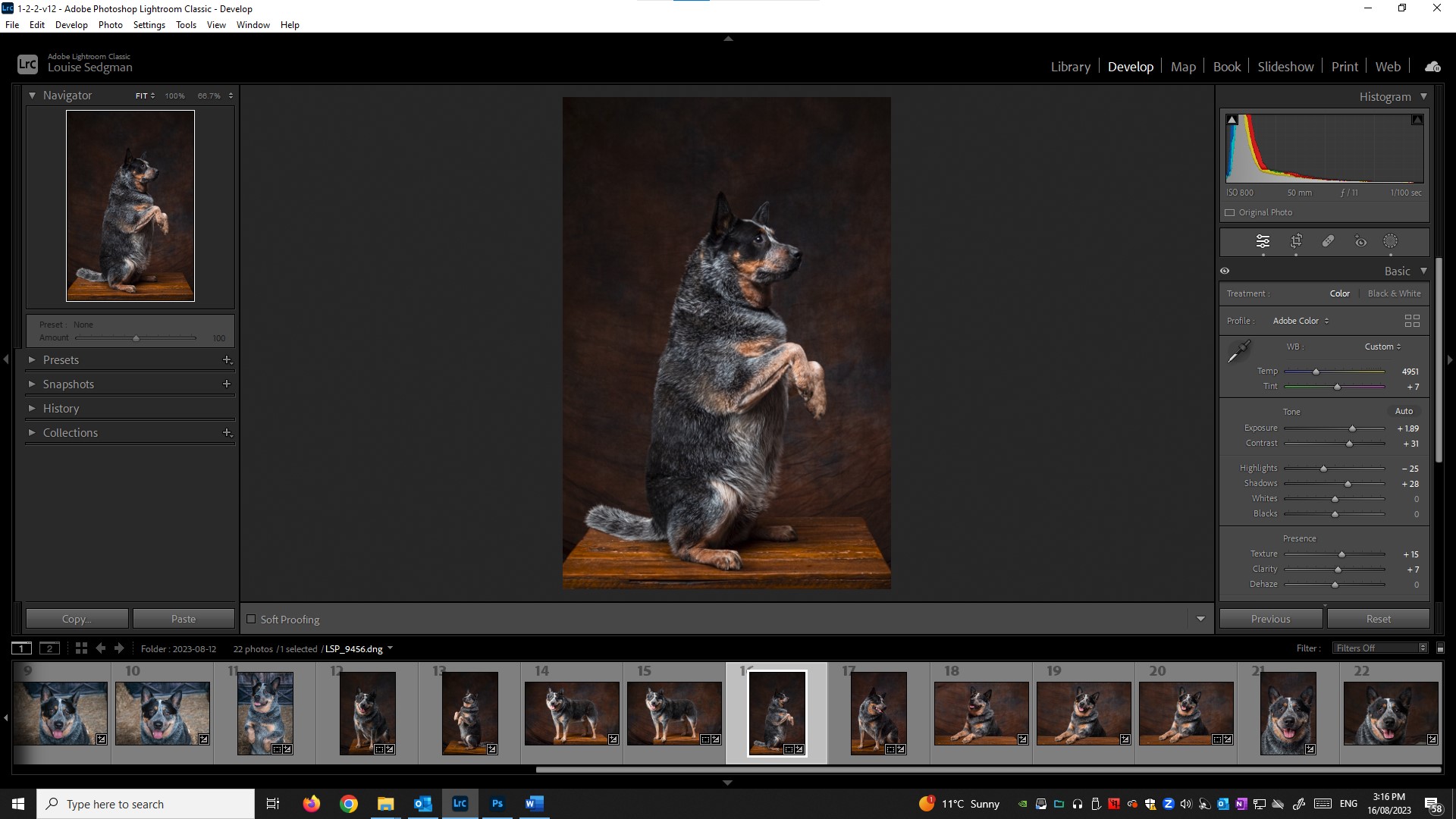
Are you struggling with how to edit your photos or you simply don’t edit at all because it’s too hard? Feel daunted by Lightroom and Photoshop? Do you have trouble finding your photos and files? Join me in my Drouin studio for a hands-on learning experience and I’ll show you my how I manage my workflow and file/photo storage. as well as editing in Adobe Lightroom and touching on Photoshop. You will learn about the capture-to-computer process, filing and backing up your images. An introduction showing you how I use Lightroom to bring out the best in photos. Editing to remove basic unwanted distractions, blemishes and dust spots from your photos. You will learn colour, contrast and exposure correction, how to straighten horizon’s, and crop your photos. You will learn about masking and how to make your photos come to life.
Perfect for the novice photographer with good basic knowledge of your computer.
What to bring on the day:
- You will need to bring along a laptop computer with Adobe Lightroom Classic and Adobe Photoshop for this workshop.
- Upon booking, I can provide you with the links you need to download a free trial version of the required softwear ( Adobe Lightroom and Adobe Photoshop) for use in the workshop if you don’t already have it on your laptop.
- The softwear will need to be downloaded and set up ready to go before your workshop.
Cost:
- $120
Date and Time:
Friday 4th September 2026 9 am til 12 noon
Saturday 12th February 2027 9 am til 12 noon
Thursday 1st April 2027 6 pm til 9pm
Location
- In the studio – 51 Wellwood Road Drouin, Vic